Say goodbye to time-consuming spreadsheets and switch to the only full service RevOps platform that automatically assigns leads and syncs them directly to Salesforce.
Book a DemoCreate and deploy rules of engagement that sync with Salesforce to ensure that leads, opportunities, accounts, and cases are automatically routed to the correct teams, individuals, and roles as defined in your go-to-market plan.

Track incoming leads and automate the assignment of those new leads directly within Salesforce.

Track incoming accounts and automate the assignment of new accounts to the appropriate people and roles.

Automatically route new contacts to the correct sales reps or teams based on customized policies.

Assign incoming opportunity leads and route them to the appropriate person, team, or role.

Assign incoming cases to the correct people and roles in accordance with your sales strategy plan.

Create policies to ensure that new subscription opportunities will be routed to the right team or team member.
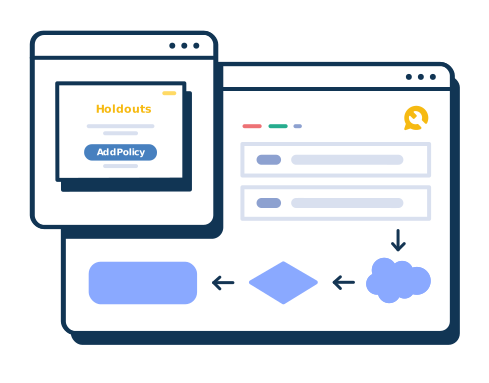
Track holdouts in the context of your go-to-market segments to enforce "stay in your lane" policies, prevent turf wars between reps, and split sales opportunities when needed.
Create routing policies based on a number of different attributes (including territory, skills, role, logged-in status, and more), or assign leads on a turn-based round robin basis.

You’ve spent Q4 meticulously working through your sales plan. You’ve defined territories, segmented accounts, set targets...

COVID-19 has dramatically impacted how we work and how we socialize, and GTM planning is no exception. Even as the world...

It’s always best to have a plan. Assessing your team’s capacity and planning assignments and due dates accordingly, and h...


It’s time to say goodbye to clunky Excel spreadsheets and single use case software and time to say hello to the only end-to-end RevOps sales planning and execution platform. Book your Fullcast demo and see how we’re changing the way the world does business.